Module 3: Convertri to RESimpli
Send Convertri leads into RESimpli through Zapier — including the full RESimpli "create lead" field-mapping walkthrough.
What this covers
Sending Convertri leads into RESimpli via Zapier. Note: every page requires its own Zap.
Every page requires a Zap
Every page requires a Zap
Create a test lead
Create a test lead
Create the initial Convertri trigger
Create the initial Convertri trigger
Split text
Split text (first / last name)
Email (optional)
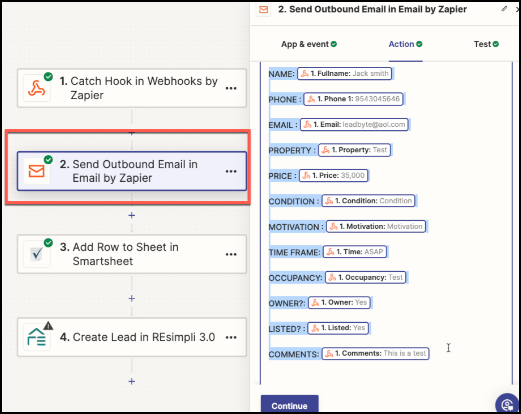
Email step (optional)
Last step to RESimpli
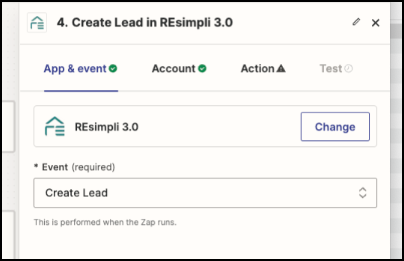
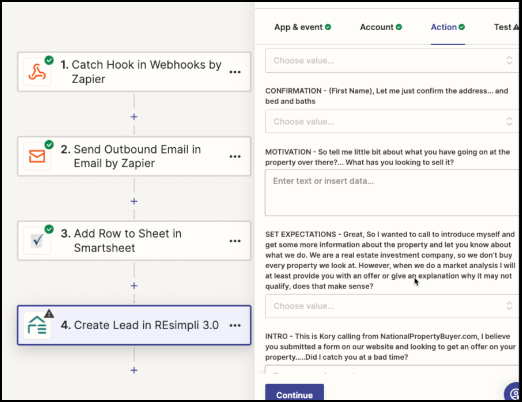
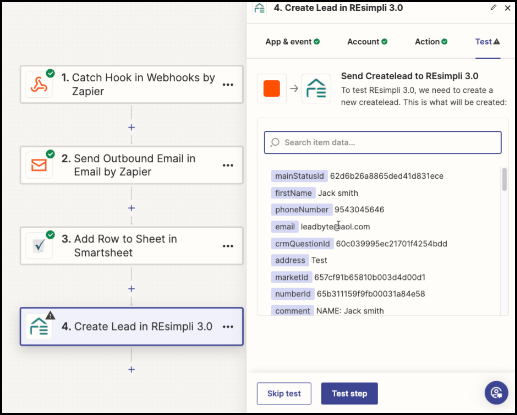
When using Zapier to send a lead to RESimpli, use "create lead."
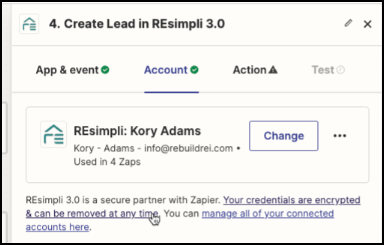
Then choose the account.
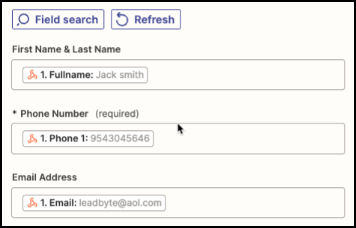
Then map the primary contact.
Map the address.
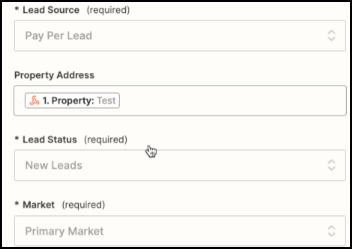
Take the information from the email template and copy it into the "comments" section.
Campaign = ppl.

Leave all other fields blank.
Name your Zap
Name your Zap
Extra: duplicating Zaps for other pages
Duplicating Zaps for other pages